
VLC media player
VLC media player is a free, open-source video and audio player for Windows from the VideoLAN team. The current release is 3.0.24.
Windows
Open source
GOM Player is a free media player for Windows from Gretech Corp. (GOM & Company) with wide format, subtitle and 360-degree video support.
Average 0.0 · ratings: 0
Thank you! Your rating is saved; you can change it. Could not save the rating. Please try again later. Too many ratings from your network today. Please try again tomorrow. The average appears after 5 ratings.
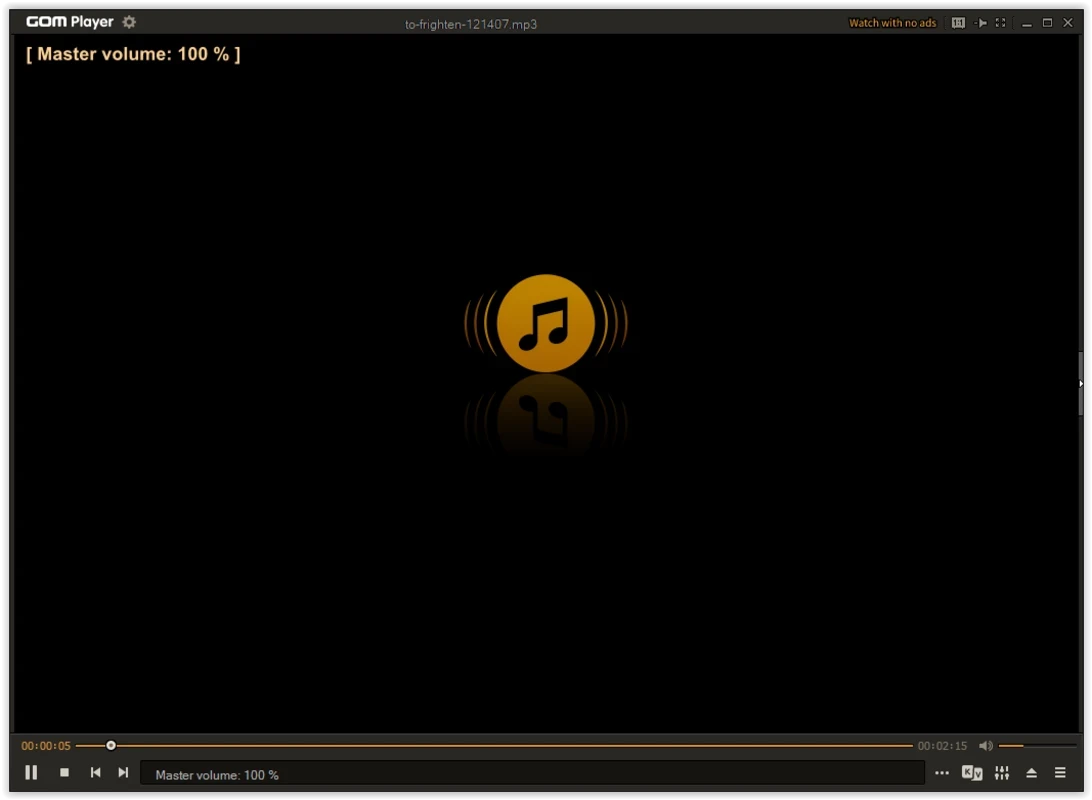
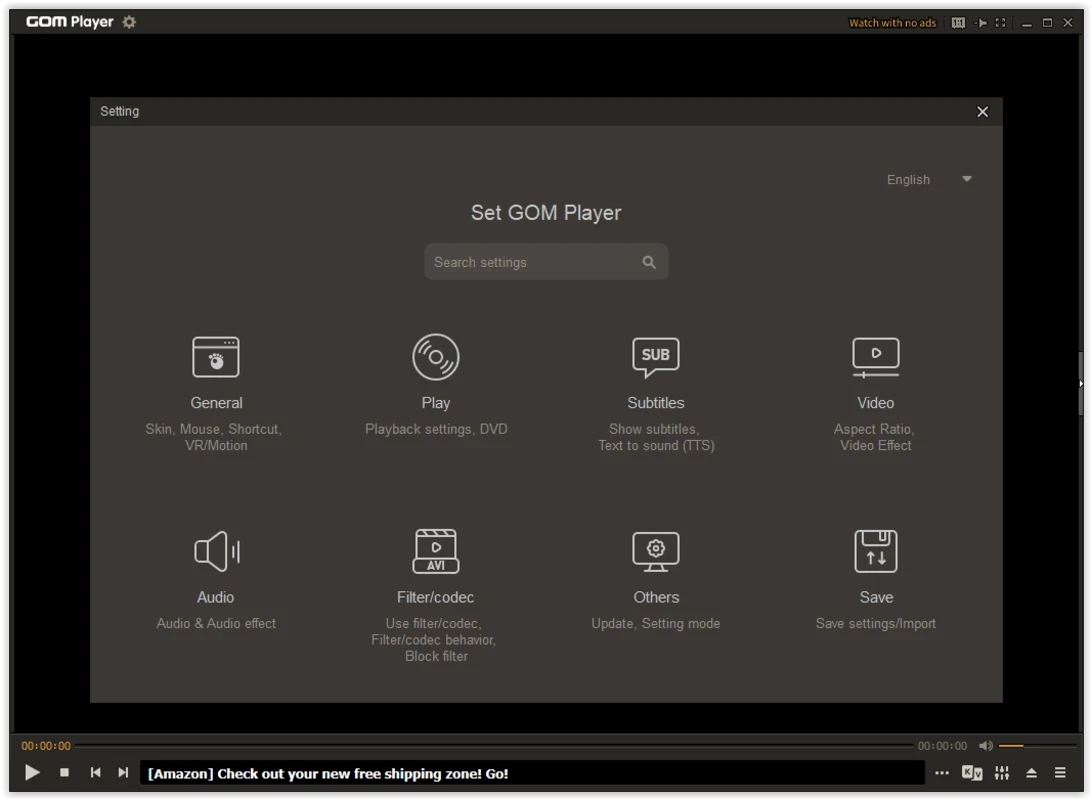
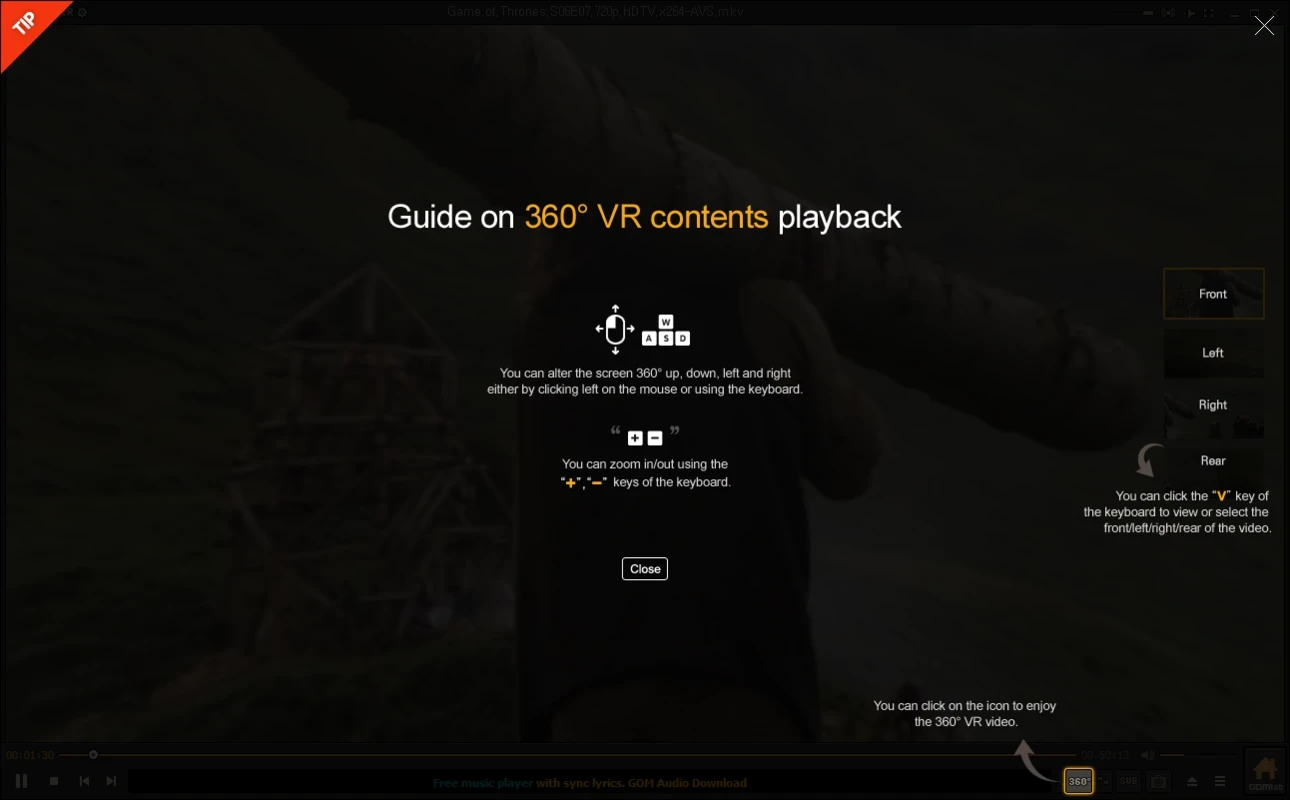
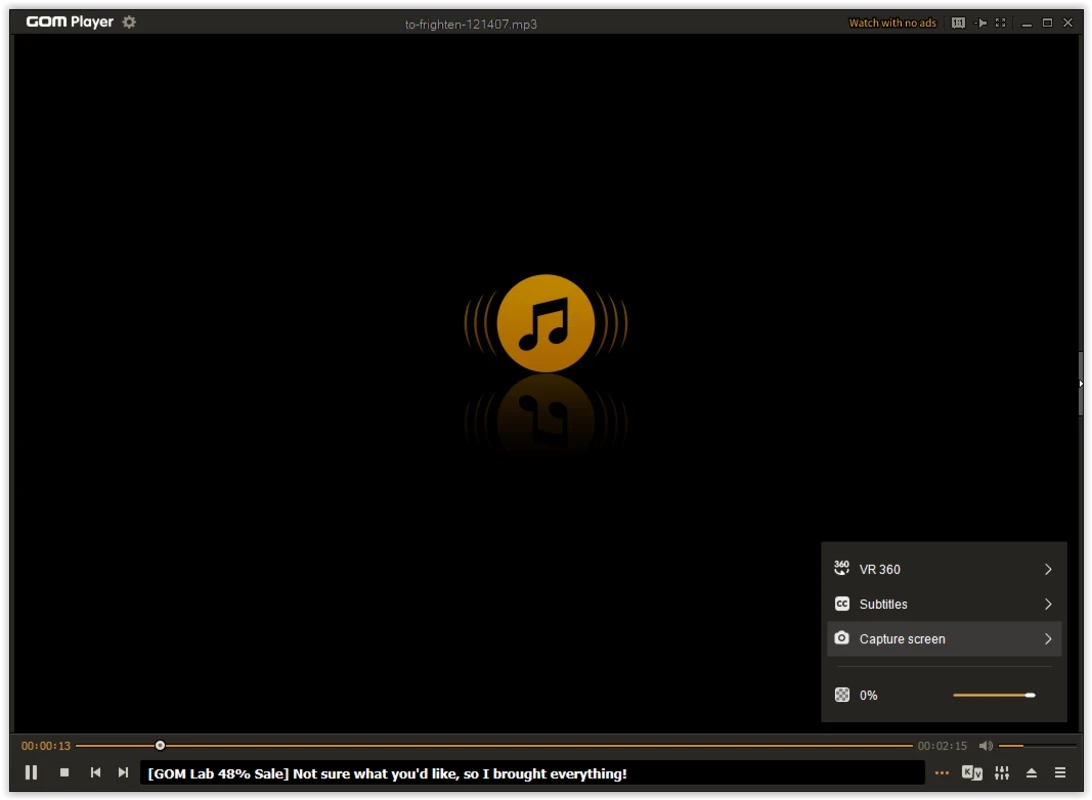
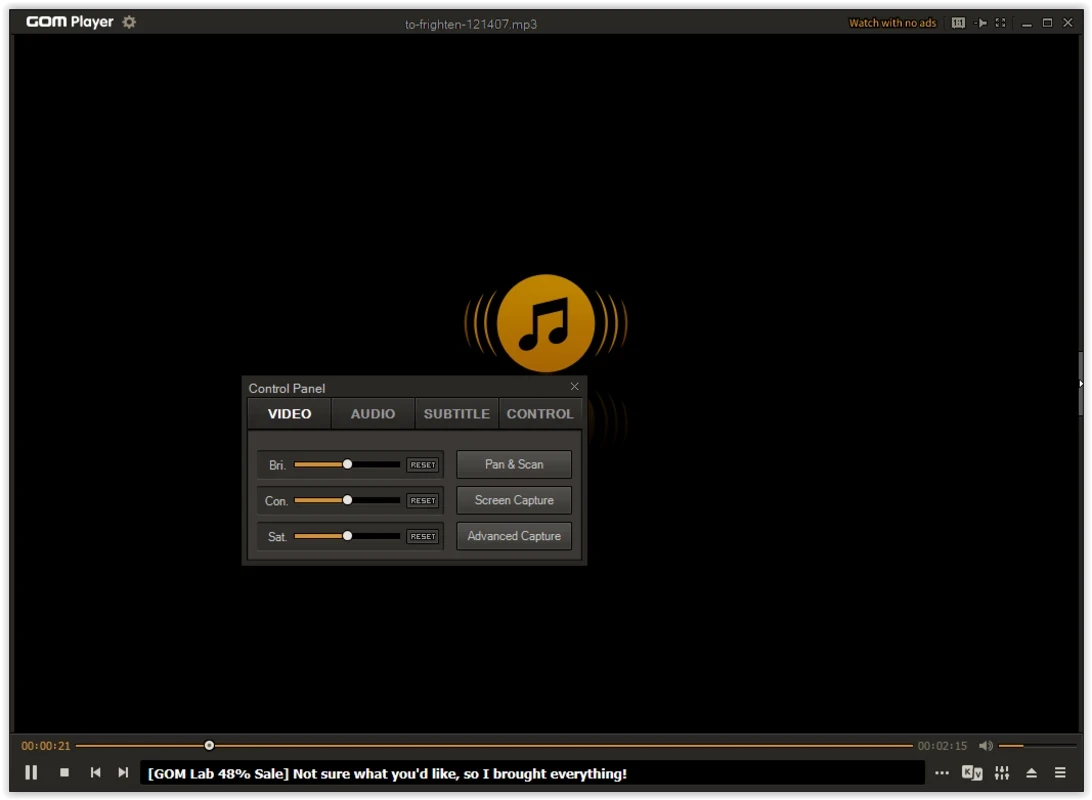
GOM Player 2.3.121.5391 is a free media player for Windows from Gretech Corp., released on 21 July 2026. You can download GOM Player for Windows from the official GOM Lab site to play video files with subtitles, including 360-degree VR clips; versions also exist for Android, iOS and macOS.
GOM Player comes from South Korea, where its developer, now known as GOM & Company, built a following with a simple promise: open almost any video without hunting for extra codecs. The player handles common formats on its own and, for rarer ones, points you to the missing component. Subtitles are a strong point: the official site presents subtitle and codec support as the main features, and the player lets you adjust subtitle position, size and timing, which helps with downloaded films whose subtitles are slightly out of sync. It also plays 360-degree VR video, which you can look around in with the mouse. The interface can be skinned and rearranged, and there are many settings for picture and sound. The free version shows advertising; the company sells a paid edition without ads. Over the years GOM Player has also had its share of controversy, and Wikipedia's article on it has a section about a malware incident involving third parties, which is one more reason to install it only from the official site.
According to the official GOM Player page:
360-degree VR playback needs DirectX 11 or later, and updates for Windows XP and Vista are no longer provided.
Download GOM Player only from gomlab.com. Keep it updated through the built-in updater or the official page, and be careful with codec downloads suggested by other sites.
GOM Player is free to use with ads; a paid version removes them.
Other players on our site include VLC media player, KMPlayer and Windows Media Player; K-Lite Codec Pack adds codecs for players that lack them.
VLC media player is a free, open-source video and audio player for Windows from the VideoLAN team. The current release is 3.0.24.

CapCut for Windows is ByteDance's desktop video editor, with a timeline, templates and export presets for short and long videos.
VLC media player is a free, open-source video and audio player for Windows from the VideoLAN team. The current release is 3.0.24.

Green Free Video Converter is a small free Windows program for converting video files between common formats for phones, players and editors.

Format Factory is a free Windows multimedia converter from Free Time for changing video, audio and image files between formats.

Streamlabs OBS, now called Streamlabs Desktop, is a free open-source Windows app for live streaming and recording with built-in alerts and overlays.

Free Cam is a free screen recorder for Windows from iSpring Solutions for recording screencasts with voice-over and trimming them before export.

TikTok for Windows is the desktop app of the short-video platform from TikTok Pte. Ltd., available free from the Microsoft Store.

Iriun Webcam is a small free Windows program that turns an Android phone or iPhone into a wireless webcam for video calls and streaming.